For organisations

Know the person. Build on what works.

Bring Able into everyday support with activities for participants and tools for the teams around them. Talk with us about your service, reporting needs and rollout.

Consumer memberships are for private use. Organisation subscriptions are priced per year, per home, resident or client. See organisation pricing
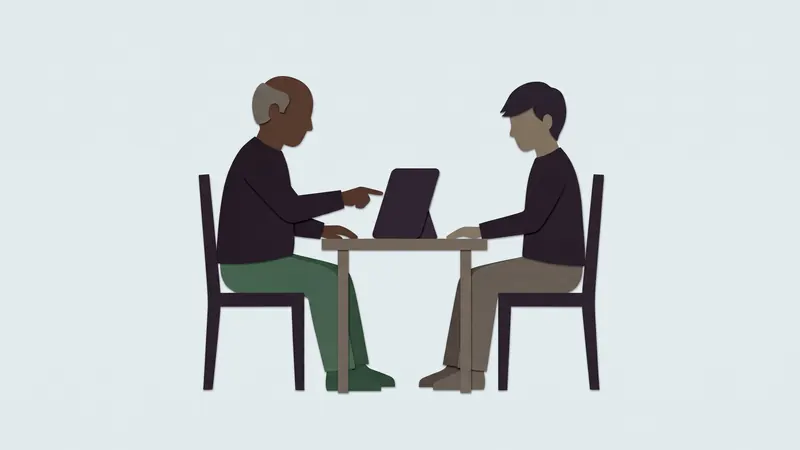
Two people at a small table sharing one tablet; one points at the screen. Cut-paper illustration.
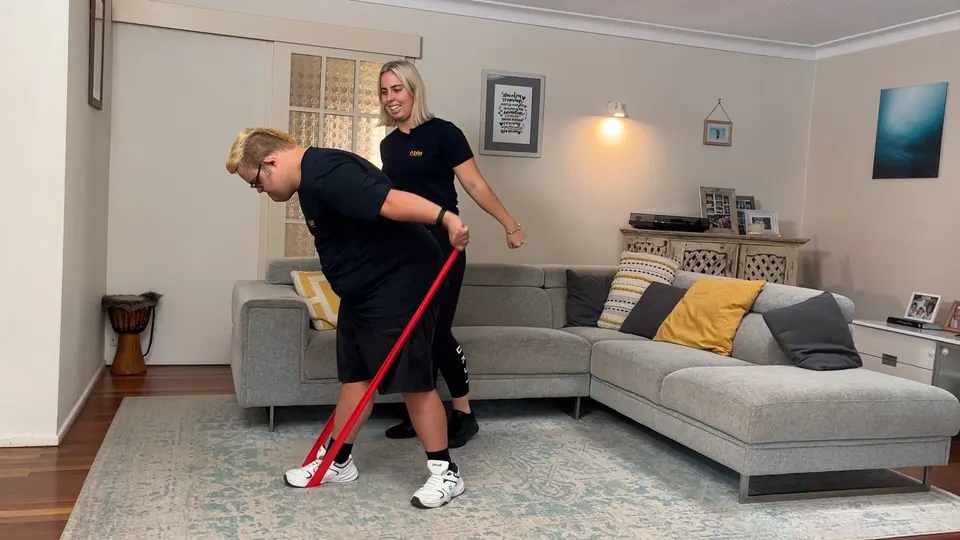
A coach alongside a young man doing a theraband exercise in a living room, from an Able video.
1. Participant experience

The same five doors, in supported use.

Move, Cook, Play, Go and Calm on a shared house tablet, with a worker alongside when that helps. A movement check informs suggestions; browsing stays open.
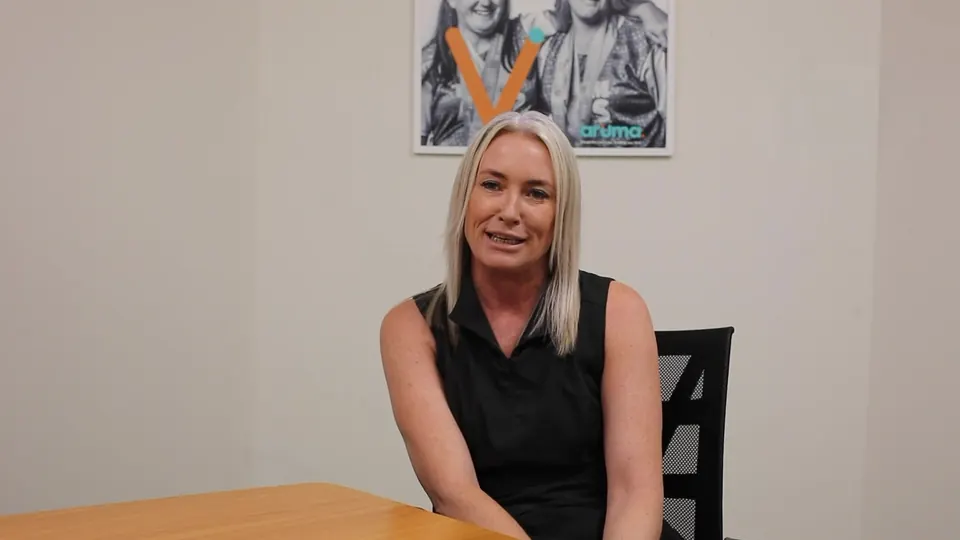
A team leader seated at a table, speaking to camera in an Able video.
2. Team administration

Give staff the right access across your services.

Each worker has their own sign-in and a PIN for shared house tablets. Access follows their current role and site, so when someone moves on, their access moves with them. Setup codes for a house expire.
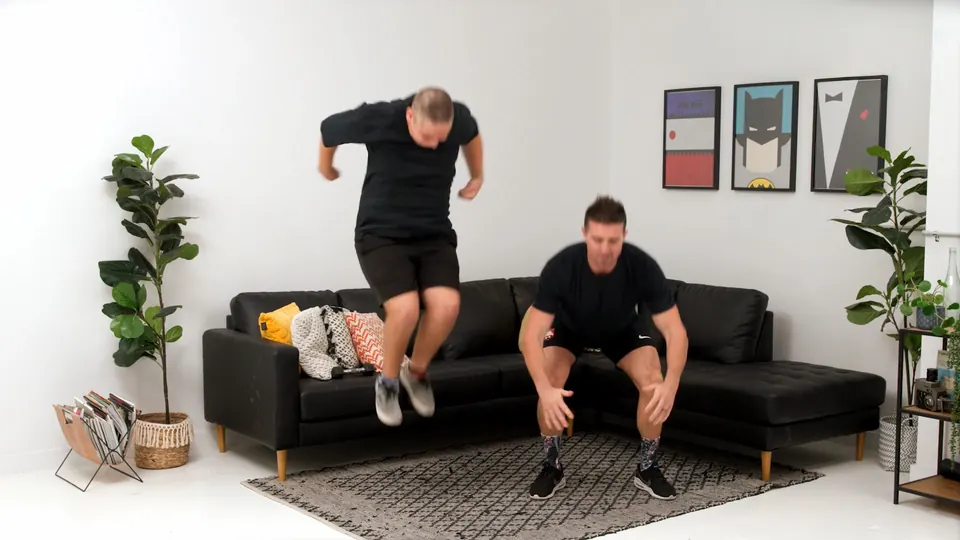
Two men doing squat jumps together in a lounge room, from an Able video.
3. Reporting

See how Able is being used.

Reports keep app activity and staff-recorded activity clearly apart, so you can see what the app measured and what your team noted. A video played is never counted as exercise done.
MeasuredReported
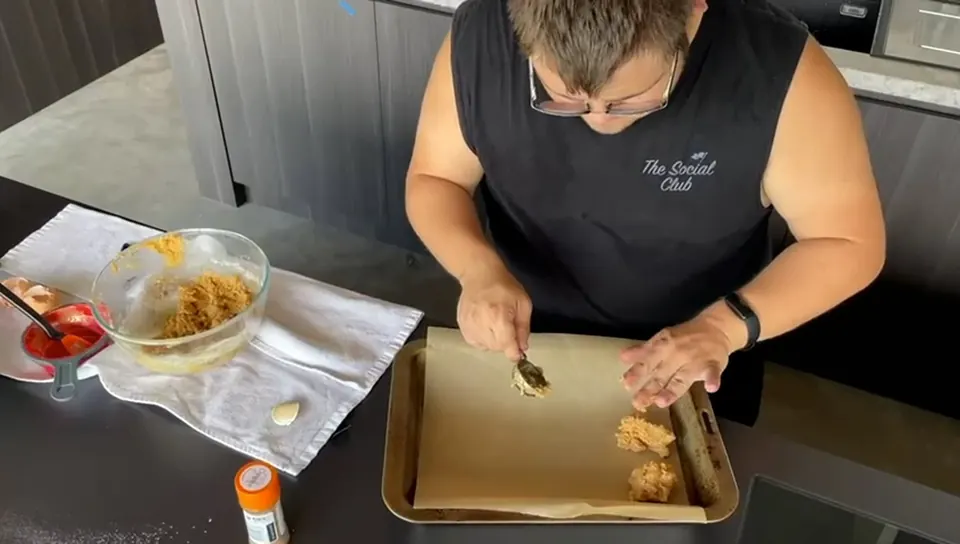
A participant shaping patties on a baking tray during a cook-along.
4. Rollout

Sized to your service.

We talk through organisation size, account setup, staff use and the support your teams will need. Houses set up their residents from their own knowledge.
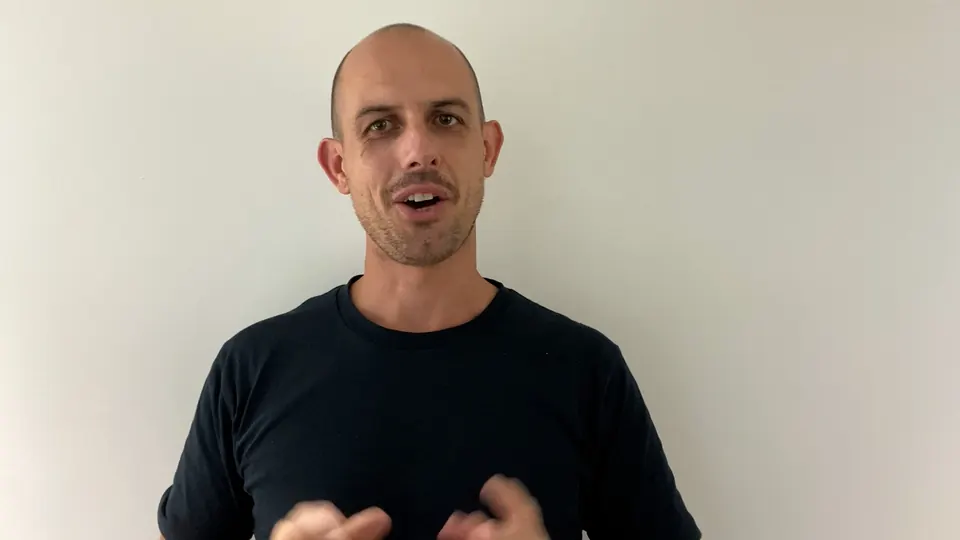
A presenter speaking to camera in an Able video.
5. Credibility

See it working.

We'd rather show you Able than describe it. Ask for a demonstration with your team, using example people and example data.
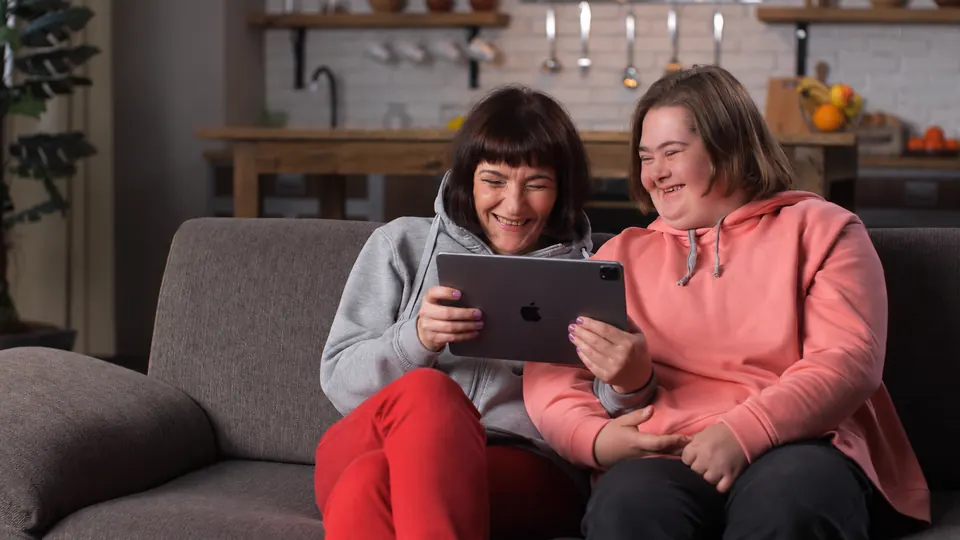
Two friends on a sofa, laughing together at an iPad.

AskAbleBeta For adult self-use.

Included with every organisation option: find activities and meal ideas, and get help using Able. Participants join through separate enrolment for adult self-use; shared-tablet use with a worker is not part of the first beta.

Family and stakeholders

Keep families in the loop, the way each person chooses.

Workers share moments from the day, with the person's consent. Families see them in the family app, Able's companion app for their iPhone or Android phone, and reply with a kind reaction or a comment. Each person chooses who is in their circle, and your organisation sets it up and decides what the circle can do.

  • The person chooses who is in their circle.A house manager sends the invitations and records the person's consent for what is shared, which they can change at any time.
  • Comments can be turned off.For the whole organisation, one resident or one relationship. Earlier comments stay readable, and reactions can stay on.
  • Deliberate sharing only.Internal notes and unshared photos never reach families. People in a group photo each have their own sharing choice.
  • Your contact route, always visible.Families can always see how to reach your team, even when comments are off.

Moments are not a replacement for your formal communications with families.

Organisation subscriptions

Priced by the people you support, per year.

Wellness activities for participants, with administration and reporting for the teams around them.

Individual or dispersed living

$495 + GST
per annum, per resident

For people supported individually or across separate homes, apartments or host arrangements.

Each person has their own profile, and a movement check shapes what Able suggests, so the activities offered suit them whoever is supporting them that day. Their activity appears in the same organisation reports as your shared homes, with what the app measured kept apart from what staff recorded.

Forensic disability service

$595 + GST
per annum, per client

For specialist forensic disability services, priced by client capacity across the contracted service.

Able supports rehabilitation and reintegration by building the everyday skills clients will use beyond the service: moving their body, cooking a meal, and getting ready for life in the community with social stories about what to expect, from catching a bus to visiting a shop. Clients take part at their own pace, with games for every mood, including ones with no timer and no wrong answer. Your team decides who supports each client and who can see what, and reports show engagement over time, so progress is visible in case reviews.

Included with every option

For participants

  • Move, Cook, Play, Go and Calm: videos, recipes, games, social stories and calm music
  • An individual profile for each person, with a movement check that shapes suggestions
  • Choice and control for every person: Able offers choices and the person decides, with support where they want it. Reporting on what was offered and how they answered is in development

For your houses and teams

  • Staff access set by role and house, from support workers to house managers
  • Shared house tablets with a PIN for each worker, and a locked mode for residents
  • Resident notes for handovers, incidents and everyday updates, shared with the care team and never with families

Reporting

  • Reports by house, resident, worker and activity, with what the app measured kept apart from what staff recorded
  • Printable reports for house managers, executives, funders and boards
  • Scheduled family updates, with a preview before anything is sent

Families

  • A family circle by invitation, with consent recorded for each kind of sharing
  • Comments on or off for the whole organisation, one resident or one relationship

Support and your say

  • Setup guidance and technical support
  • Organisation administration, set up and managed with Able's team
  • Priority for your feature requests: what organisations ask for shapes what Able builds next

Ask Able Beta: find activities and meal ideas, and get help using Able.

Other environments

Custom quote for households above six residents, larger residential facilities and campuses, and respite or transitional accommodation.

One address may contain several distinct households.

Predictable commitments

A home buys capacity for a 12-month term. Vacancies or consent changes don't reduce the fee during the term, and unused places stay available in the home. Added places align to the home's renewal date.

Individual participation always depends on consent.

We'll reply by email to find a time, and show you Able with your service in mind, using example people and example data.

Optional extras

Make getting started easier, and share more of the day.

Both are optional, separate from your organisation subscription and from each other.

An iPad, ready for Able

A new iPad, configured for dedicated Able use before it arrives.

$995 + GSTonce, per iPad

Includes a new iPad 11-inch (A16), 128GB Wi-Fi, setup and testing.

Plus $180 + GST per annum, per iPad Ongoing remote device management, managed updates and help with the supplied configuration.

Shipping additional, quoted for your location.

Connect to your internet service to get started. Able subscriptions are purchased separately.

Community, live and on demand

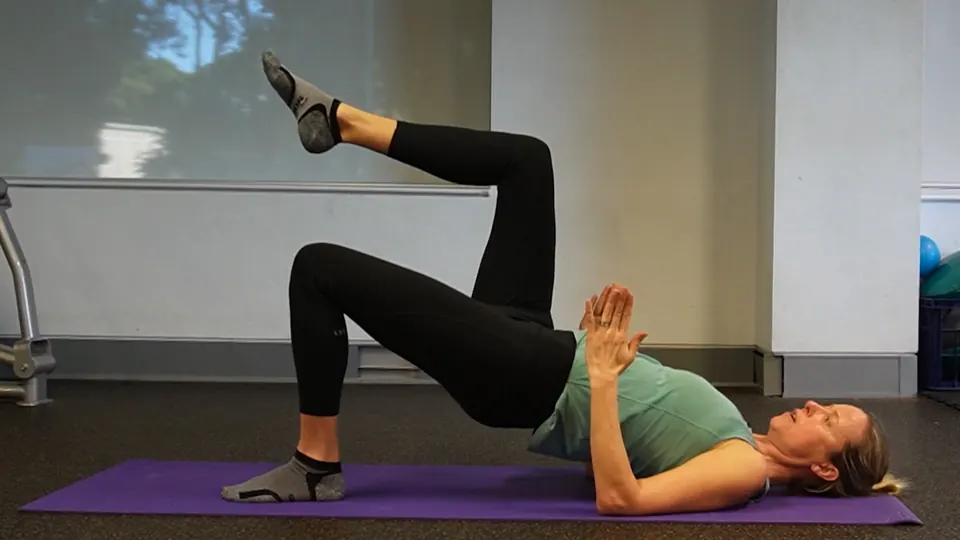
A coach demonstrating an exercise in the gym, from an Able video. A woman doing a glute bridge on a mat, from an Able video.

Join live cook-alongs, group exercise sessions and other hosted events. Watch their recordings afterwards in a community-only replay library.

Supported living household
$300 + GSTper annum, per licensed home
Covers everyone within the home's purchased resident capacity, up to six.
Individual, dispersed or forensic
$120 + GSTper annum, per resident or client

One flat fee for the programme and its available recordings, with no separate event tickets. Live and replay access while the community subscription is active. An active Able subscription is required; a supplied iPad is optional. Larger facilities and service-wide arrangements: custom quote.

Other possibilities to discussProtective case and stand kitStaff onboarding workshopsPrivate live sessions for your organisationScope and pricing by agreement.

All organisation prices are in Australian dollars and exclude GST.

The admin console

See every house, every worker and every resident, in one place.

Head office sees all your SIL houses side by side. House managers see their own house in detail. Staff and residents are managed house by house, and what the app measured is always kept apart from what your team reported.

Example dataHead office view. Six houses, last 30 days.

Talk to us

Tell us a little about your service and we'll be in touch to arrange a conversation and a demonstration.

  1. We reply by email to find a time.
  2. We show you Able with your service in mind.
  3. We confirm your option, rollout and start date together.

We don't ask for participant records or health details here.

Type of service (optional)

This form needs JavaScript to send. Please turn JavaScript on and reload the page.

We'll reply by email to arrange a time. Nothing is set up or charged from this form.

1. Participant experience

The same five doors, in supported use.

Every participant starts from the same home screen: five doors, each a different kind of good day. On a shared house tablet a worker can sit alongside; with their own device, a participant goes at their own pace.

  • MoveSitting or standing. What suits you today, or the whole library.
  • CookSomething to eat. Big pictures, steps you can tick, portions that scale.
  • PlayOn your own or together. Including games with no timer and no wrong answer, and challenges when you want one.
  • GoOut and about. Social stories for what to expect before a bus, a shop, a pool, a club.
  • CalmBreathing, winding down, instrumental music. Nothing plays until you press Play.
  • A movement check informs suggestions. Browsing stays open, so nobody is shut out of the library.
  • Large controls, light, dark and high contrast, and nothing on screen moves on its own.
  • Videos are filmed with real people, seated, standing and in a wheelchair.
Talk to us
2. Team administration

Give staff the right access across your services.

  • Their own sign-in. Each worker signs in as themselves, and uses a PIN on a shared house tablet.
  • Access that follows the role. Access follows a worker's current role and site. When someone moves house or moves on, their access moves with them.
  • Always clear who is being supported. The worker's screen shows who is signed in and who they are with, on every screen, so a note or an activity lands on the right person.
  • House setup codes expire. A code to set up a house tablet works for a short time only.
  • Families with their own logins. Family members and helpers sign in as themselves and see what has been shared with them.
Talk to us
3. Reporting

See how Able is being used.

Wattlebird Street, this weekExample report with example data
ActivityMeasured by the appReported by staff
Move146
Cook54
Play92
Out and about07

Measured means recorded by the app; reported means a worker told us. They are never added together.

  • The right view for each reader. House managers, provider executives, funders, boards and families each see their own report, and only what their role allows. A family update never includes notes or incident information.
  • Always current. A report is put together when it is opened, from what was recorded, so it is never an old copy.
  • Scheduled updates you can check first. Before a scheduled update goes out, a preview is ready, and the person receiving it can pause it from the email.
  • A person has the final say. Any suggested summary is marked as a suggestion until someone confirms it.
Talk to us
4. Rollout

Sized to your service.

  1. A conversation. We talk through your organisation's size, account setup, staff use and the support your teams will need.
  2. A demonstration. We show you Able with your service in mind, using example people and example data.
  3. Your option and start date. We confirm your subscription, the rollout and the date you start, together.
  4. Houses set up their residents. Each house sets up its residents from its own knowledge of them, with setup guidance and technical support included.

Need tablets? The iPad ready for Able arrives set up, with device management as an optional extra. See Optional extras on this page.

Talk to us
5. Credibility

See it working.

We'd rather show you Able than describe it. A demonstration with your team uses example people and example data, never real participant records.

  • The participant's tablet: the five doors, a video, a recipe and a calm moment.
  • A worker's day: signing in on a shared tablet, supporting a resident and recording what happened.
  • A family update: a moment shared with the people who matter.
  • A report: what the app measured and what staff reported, side by side.
Talk to us
Included with every option

AskAbleBeta For adult self-use.

Ask Able helps a person find selected activities, recipes and calm content, and get help using the app, by asking in their own words.

  • Included with every organisation option.
  • For adults using Able themselves, through separate enrolment. Shared-tablet use with a worker is not part of the first beta.
  • It answers supported requests, such as "a short seated activity" or "a vegetarian dinner". It won't give medical advice or decide which activity is safe for someone's health.

See an example on the home page

Talk to us